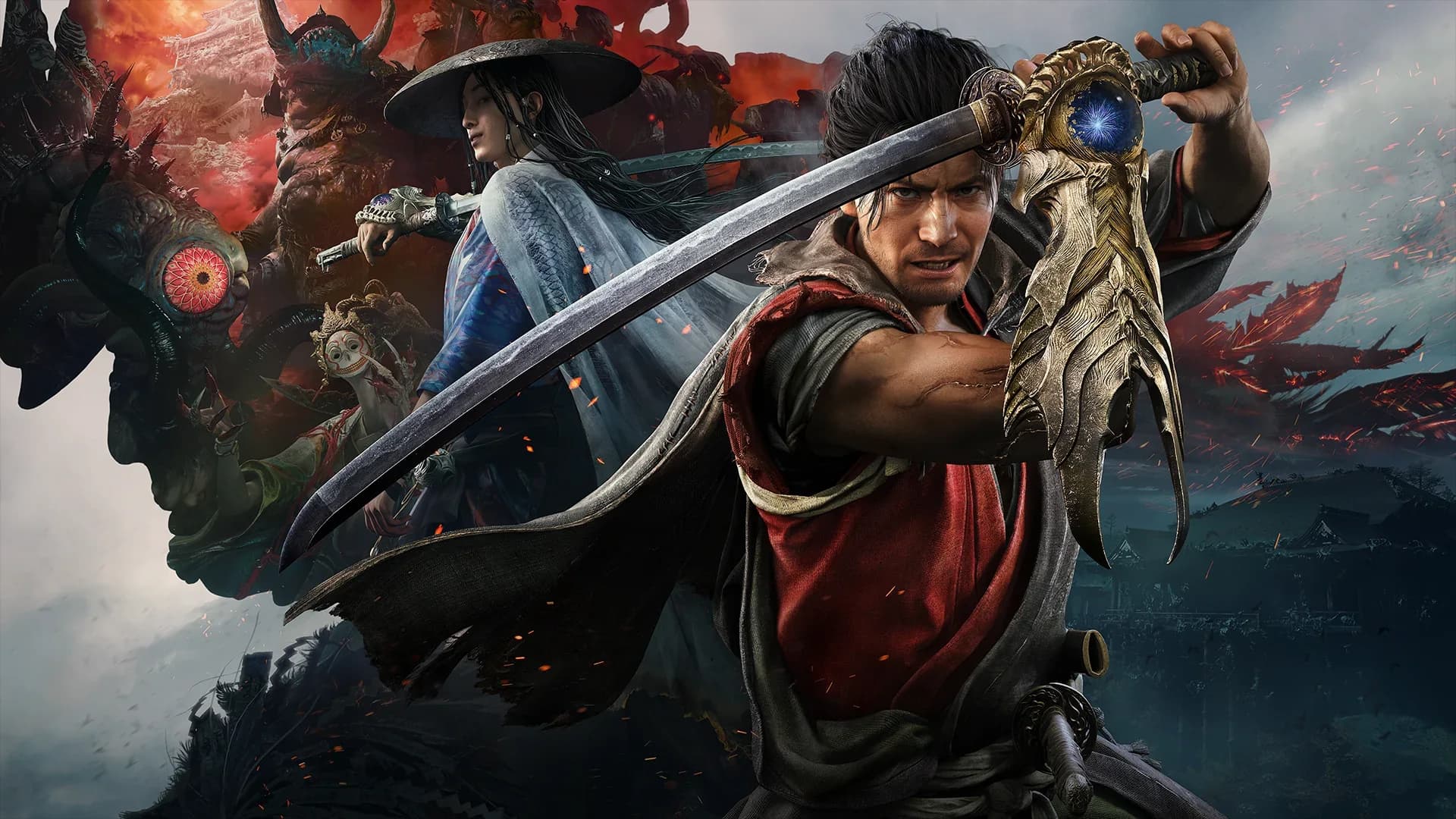
Onimusha: Way of the Sword supports Xbox Series X|S, with Xbox Play Anywhere listed for the digital Xbox product. The distinction that matters most is between buying the game, accessing it on compatible Windows devices, and streaming it through an eligible subscription. Cloud access requires a game purchase; a Game Pass label on this product does not mean the campaign is included in the subscription library.
Xbox Series X and Series S availability
Choose the Xbox Series X|S version when you want to install and play on a current Xbox console. The supported console listing identifies Series X and Series S rather than an Xbox One installation. A cloud option is a separate access method, so it should not be read as proof that every device with an Xbox application can install the console game locally.
Both Series consoles are associated with the same game, but platform availability does not establish identical graphical output. A purchase page can list several capabilities without explaining the combination used by each machine or mode. If performance is central to your decision, use the demo on the actual console you own and compare its available display settings during combat.
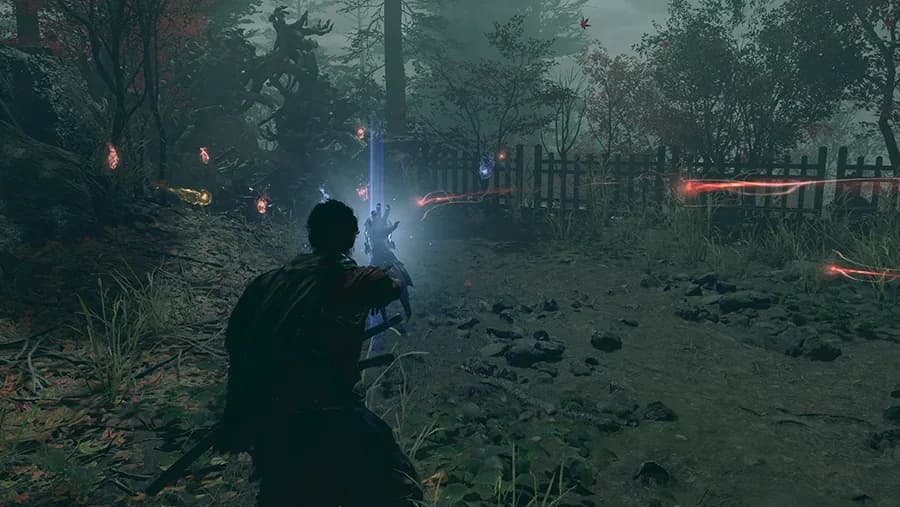
The adventure follows Miyamoto Musashi through an Edo period Kyoto corrupted by Malice. You fight Genma with sword techniques, exploit openings with the Oni Gauntlet, and develop Musashi's abilities during the campaign. This is a single player action game, so your immediate setup priorities are reliable controls, readable visuals, and a working save rather than multiplayer matchmaking.
Digital ownership and Xbox Play Anywhere
The digital Xbox product lists Xbox Play Anywhere alongside console and PC support. For a buyer who moves between an Xbox and a compatible Windows device, that makes the Xbox version worth considering before purchasing separate copies. Check the exact edition's product page and use the account that owns the digital purchase when setting up the second device.
A physical disc and a digital account entitlement are different purchase formats. Do not assume that buying a boxed Xbox copy automatically gives you the same PC access described for the digital Play Anywhere product. Read the specific package terms before buying, especially if your main reason for choosing Xbox is the ability to continue on a Windows handheld.
Steam and Epic are also separate storefronts from the Xbox digital product. An Xbox feature badge does not promise that a Steam purchase grants an Xbox console license or that progress moves between all PC stores. If you already own a PC edition, inspect what that purchase includes before paying for an additional platform.
Cloud saves are listed among the Xbox version's capabilities. Let the device finish saving and synchronizing before you close the game and switch to another machine. If a save conflict appears, compare timestamps and progress carefully instead of automatically replacing the newer session with an older copy.
Windows 11 and PC installation
The Xbox product description explicitly requires Windows 11 for the PC version. This remains important even when a generic requirements label elsewhere in the storefront says Windows 10 and higher. Check the operating system on the device you plan to use before buying the Xbox edition primarily for local PC play.
Windows compatibility is only one part of the PC decision. The computer still needs suitable hardware, graphics drivers, and enough storage to install the game and updates. A Windows handheld may qualify as a device category while still needing graphics settings appropriate to its own processor, memory configuration, and power budget.
Local PC installation is different from cloud streaming. With a local installation, the device runs the game and its hardware affects the result; with streaming, the connection and remote session introduce another set of conditions. Identify which method you are testing before interpreting a report that the game runs well on a particular handheld.
If you are comparing PC stores, start with the Steam edition and PC purchase guide. Use it to keep the storefront decision separate from the console feature list and the subscription question. Choose the edition whose ownership and device access match your plans rather than assuming all PC versions have interchangeable entitlements.
Cloud access and the Game Pass distinction
As of September 13, 2026, the Xbox product lists cloud play with Game Pass Essential, Premium, or Ultimate and states that a game purchase is required. That wording describes access to stream a purchased game under eligible conditions. It is not an offer to play the full campaign solely because you subscribe to one of those plans.
Check the cloud option while signed into the account and region you will actually use. Supported devices and the service presented to that account matter when deciding whether streaming will fit your routine. If your plan is to play locally on Series X|S, concentrate first on the owned game and installation rather than paying for a streaming feature you will not use.
Try a cloud session in the place where you expect to play it. Sword combat depends on seeing an attack and responding at the right moment, so a connection that is acceptable for slow menu navigation may feel different during defensive exchanges. Judge response and image stability over a fight, not just whether the title screen opens successfully.
Keep connection behavior separate from console performance when comparing your results. A stream can look softer or respond differently even though it is not using your handheld's graphics hardware to render the game locally. If you want to evaluate the installed console version, run the demo on the console itself and use its normal display connection.
Graphics, audio, and capability labels
The Xbox listing includes 4K Ultra HD, HDR10, variable refresh rate, ray tracing, and a 60 fps+ capability label. These labels describe advertised capabilities across the product and do not establish that every feature runs together on every supported device. They also do not provide a measured frame rate for Series S, Series X, or a particular PC configuration.
Choose a display mode by repeating a familiar fight with the same camera behavior. Compare image clarity and the steadiness of movement while enemies attack rather than selecting a mode from its name alone. Keep a setting if it helps you recognize openings and react consistently on your own television or monitor.
The audio capabilities include spatial sound, Dolby Atmos, and DTS:X. Their usefulness depends on the audio equipment and configuration you actually have, so check the output settings before expecting a specific listening experience. Test dialogue clarity and combat cues with your normal speakers or headphones rather than changing the entire audio setup just because a format badge is present.
The free demo and its save bonus
A free Xbox demo is available separately from the full game. Its description includes Oni Armament attacks and encounters with Sasaki Ganryu and Daidara, giving you a practical opportunity to try more than basic movement. Use that time to test the controls, your preferred display setup, and the differences between watching combat and playing it yourself.
Demo progress does not carry over into the base game. Keeping demo saved data can qualify you for the Kubi Akari charm in the full game, which is a bonus item rather than a transfer of your completed encounters. Preserve the relevant saved data and consult the demo download and bonus guide before treating your demo session as finished housekeeping.
The demo description also states that it differs in some respects from the full game. That means a successful demo session is a useful compatibility and comfort check, but it does not guarantee the same behavior in every campaign scene. Once you buy the full game, allow its updates to finish and review the settings again before beginning a long session.
Editions, add-ons, and avoiding duplicate purchases
The Xbox product can appear on its own or inside a bundle, and upgrade kits are displayed as separate add-ons. Read whether the item in your basket is the base game, an edition containing it, or additional content that requires ownership. A cheaper kit is not automatically a cheaper way to buy the campaign if the game itself is absent.
Compare the Standard and Deluxe edition contents with your existing purchases before adding another package. The store warns about duplicate content because multiple bundles can contain overlapping items. Make the final comparison using the price, tax treatment, and contents shown for your account rather than carrying a price from another region into checkout.
For an Xbox and Windows household, begin with the digital entitlement question and then test the device you will use most. For a console only setup, focus on the Series X|S product, installation, and the demo's feel on your screen. For cloud use, budget for both the purchased game and eligible streaming access, and make the connection test part of your decision.