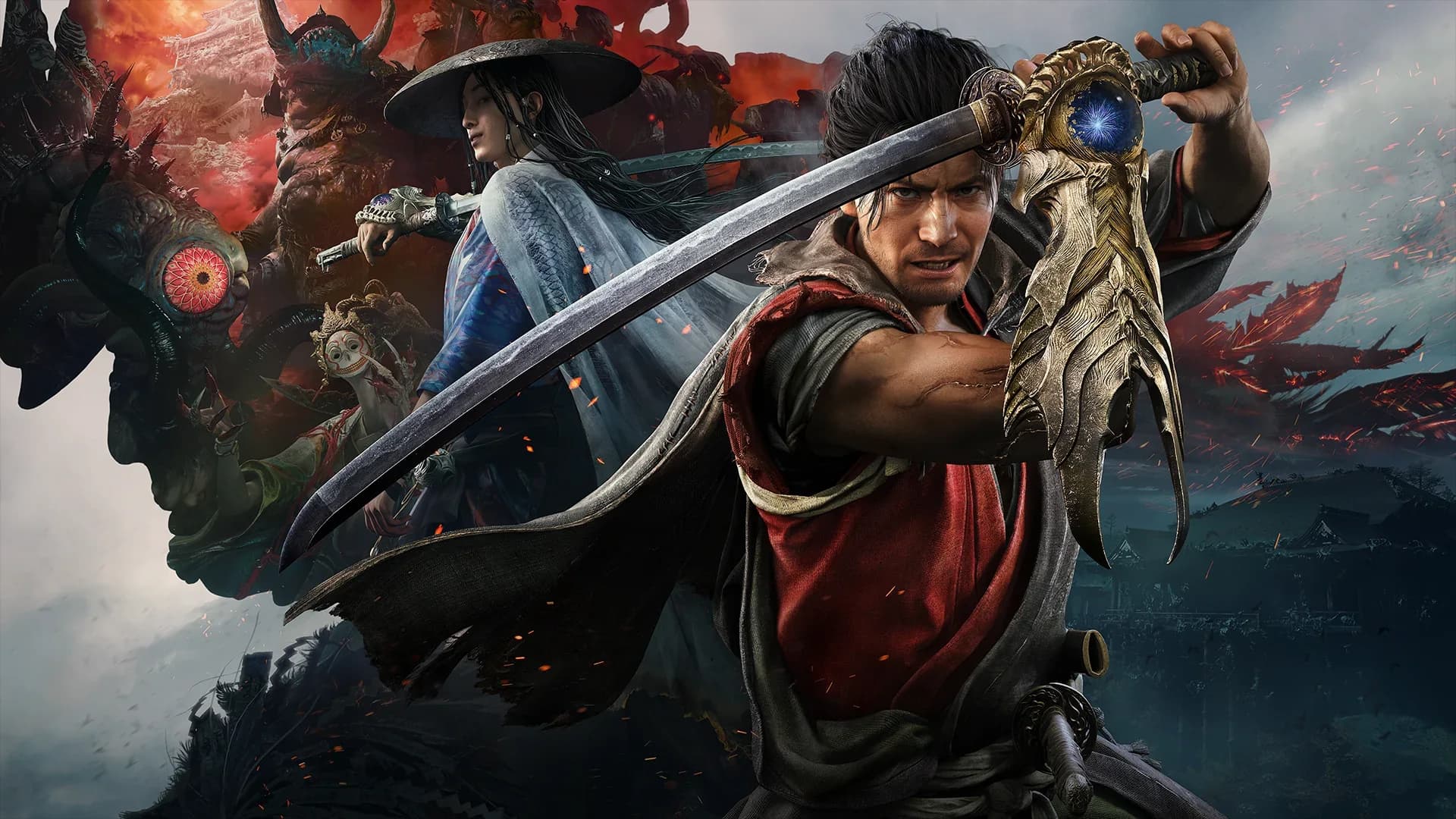
Onimusha: Way of the Sword is available for Nintendo Switch 2. The main decision is whether you value portable play enough to accept the visual and frame pacing compromises of this version. Start with the demo on the screen you actually use, then compare the fixed frame rate option with unlocked play before choosing your settings.
The Switch 2 version and the original Switch
Choose the product specifically labeled Nintendo Switch 2 when shopping for this game. Onimusha: Way of the Sword is a new entry starring Miyamoto Musashi, so a listing for an older Onimusha release is a different purchase. Owning an original Switch does not establish compatibility with a Switch 2 product, and a familiar franchise name should never substitute for checking the platform label.
The game combines third person sword combat with exploration of a Kyoto transformed by Malice. Musashi fights Genma, uses the Oni Gauntlet, and develops his abilities as he progresses through the adventure. Portable play brings that campaign to the handheld screen, while docked play gives you a larger view of enemy movements and the surrounding environment.
The choice is therefore about how you will play rather than a separate Nintendo story campaign. If most of your available gaming time is away from the television, being able to use the handheld may matter more than the sharpest hair or background detail. If you usually play on a television and also own another console, compare the same encounter on both before buying a second copy.
Fixed and unlocked frame rate options
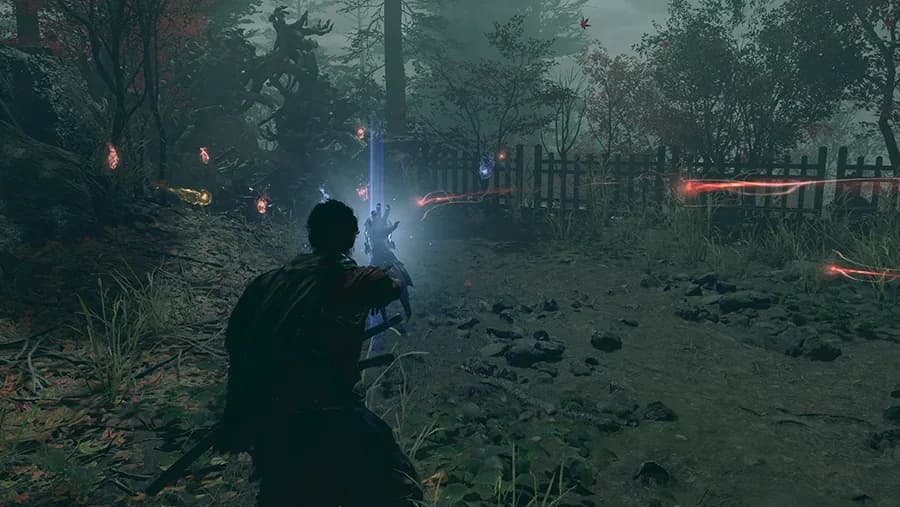
The useful starting comparison is the optional 30 FPS limit against an unlocked frame rate. A fixed limit prioritizes a consistent target, while unlocked play allows the game to run faster when a scene leaves enough processing headroom. Unlocked does not mean a guaranteed 60 FPS, and neither setting should be judged from a still image of the options menu.
Start in a repeatable area and move Musashi around while rotating the camera at a steady speed. Then fight the same group of enemies and watch whether changes in motion make attacks harder to read. Compare the settings over several attempts, because a quiet corridor and a fight full of effects place different demands on the game.
A brief gameplay average cannot describe every cutscene, boss encounter, or later area. Scenes with more demanding presentation can behave differently from the combat section that produced an attractive average. For that reason, choose your setting by how consistently you can follow movement across several situations, rather than expecting a single performance number everywhere.
Keep other settings unchanged while making this comparison. Turning off motion blur, changing HDR, and unlocking the frame rate together makes it difficult to identify which adjustment helped. Once you choose the motion behavior you prefer, test the other display options individually and keep only the changes that improve your own experience.
Handheld and docked play need separate checks
Repeat the comparison in handheld mode even if you already tried the game on a television. A smaller screen can change how visible fine detail and image reconstruction artifacts appear, while its viewing distance changes how you follow combat. A setting that feels comfortable in your hands may feel less consistent when the same movement fills a large television.
Docked testing should use the television or monitor you intend to keep using. Select its appropriate game setting and avoid changing several picture processing options between attempts. A report made with a particular monitor, output resolution, or refresh setting does not guarantee the same presentation through a different display chain.
Do not assume that a television's variable refresh rate label settles how this particular game behaves in docked mode. Handheld and docked output are different conditions, and an account of smooth handheld play cannot establish every capability of an external display connection. Judge your actual configuration by camera motion, combat readability, and consistent response rather than by a monitor badge alone.
HDR is another preference to test in context. If shadows hide an enemy's preparation or bright effects obscure the action, compare the game's available display options and your screen calibration. The aim is to keep important visual cues readable, so retain the setting that helps you see those cues without treating another player's HDR preference as a universal fix.
Use the demo as a practical buying test
The demo is useful for assessing the basic rhythm of swordplay and your comfort with the controls. Spend enough time defending and reacting to enemy attacks to distinguish a control preference from unfamiliarity with the combat system. Racing through the opening without trying the defensive tools leaves a major part of the buying decision unanswered.
Test both a relatively quiet section and a demanding fight if your demo version provides them. Watch enemy attacks, environmental detail, subtitles, and camera movement on the screen you expect to use most often. Your own ability to follow those details is more useful than assuming that a compressed gameplay clip reproduces the final display experience.
Treat the demo and full campaign as different applications with potentially different builds and content. A good demo session is encouraging, but it does not promise identical performance throughout every later area. Check the demo content and save bonus guide before deleting demo data or planning your move into the main adventure.
Button controls and optional motion input
Learn the standard button controls before experimenting with motion input. The Switch 2 control discussion includes light and heavy attacks, evasion, defensive timing, and use of secondary weapons, all of which need deliberate practice. Read your current control layout in the game so that a guide written for an Xbox or PlayStation controller does not send you to the wrong button.
Motion controls are an optional part of the Switch 2 experience. Try them in a safe section and check both sword movement and bow aiming before committing to them during a difficult encounter. If normal hand movements trigger actions you did not intend, return to standard controls and confirm how the current settings let you configure the behavior.
Avoid treating an unsuccessful parry as proof of a performance fault on the first attempt. An early input, repeated button presses, an ongoing attack animation, or an unfamiliar enemy pattern can all make a fight feel awkward. Use the combat timing and defensive options guide to practice the action itself, then repeat that familiar encounter when comparing display settings.
Physical packaging, downloads, and storage
Check the wording on the exact physical package before assuming that all game data is stored on the card. A Game-Key Card purchase requires a game download, so the box and the installation requirements both matter when planning a purchase. Leave time and storage for installation before taking the system somewhere with limited internet access.
Do not use a single reported download size as a permanent storage allowance. Regional packages, updates, and the content installed with your edition can affect the space you need when you actually set up the game. Check the current download prompt and keep additional room available for updates rather than filling the device to its last free slot.
Compare the contents of a bundle as carefully as its platform label. Standard game access, cosmetic extras, and separately sold upgrade kits serve different purposes, and a package image can make them look more similar than they are. The edition and bonus comparison helps you decide which extras you want before you compare the final regional price.
Choose a version around your routine
Switch 2 makes the strongest practical case when you expect to use handheld play regularly. The option to compare fixed and unlocked motion gives you some control over the presentation, but it cannot erase every difference from more powerful hardware. Choose it because its portability fits your routine and because you are comfortable with the demo on your own screen.
If you move between a television and handheld play, keep a short note of the settings you preferred in each setup. Revisit that comparison after a game update instead of assuming the first configuration will always remain your favorite. Before committing to a long session, confirm your save and installation are ready so your available play time goes toward the campaign.